
How to change the order of accounts in New Outlook
How to change the order of accounts in New Outlook
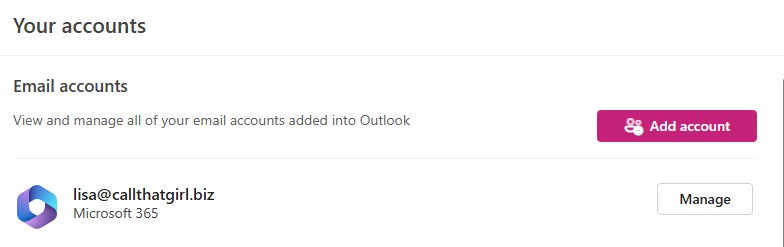
Hi folks! When I first started doing articles about New Outlook, there were so many things we could not change and the order of accounts was one of them.
Now you can go to the settings in New Outlook, then hit “Accounts” and then click on the “Manage” button. Once you click on that, you can see the option to “Set as primary account” and this will put your favorite on the top. If the order still doesn’t sit right, then remove all the accounts and add back in order you prefer.
Just little tip for you all! If you need help with New Outlook, set up or configuring from Outlook Classic, use the form below.
Category: New Outlook

About the Author (Author Profile)
Lisa Hendrickson is the owner of Call That Girl. She is an Outlook Expert and Microsoft 365 Consultant.Subscribe
If you enjoyed this article, subscribe to receive more just like it.

