Author Archive: Lisa Hendrickson

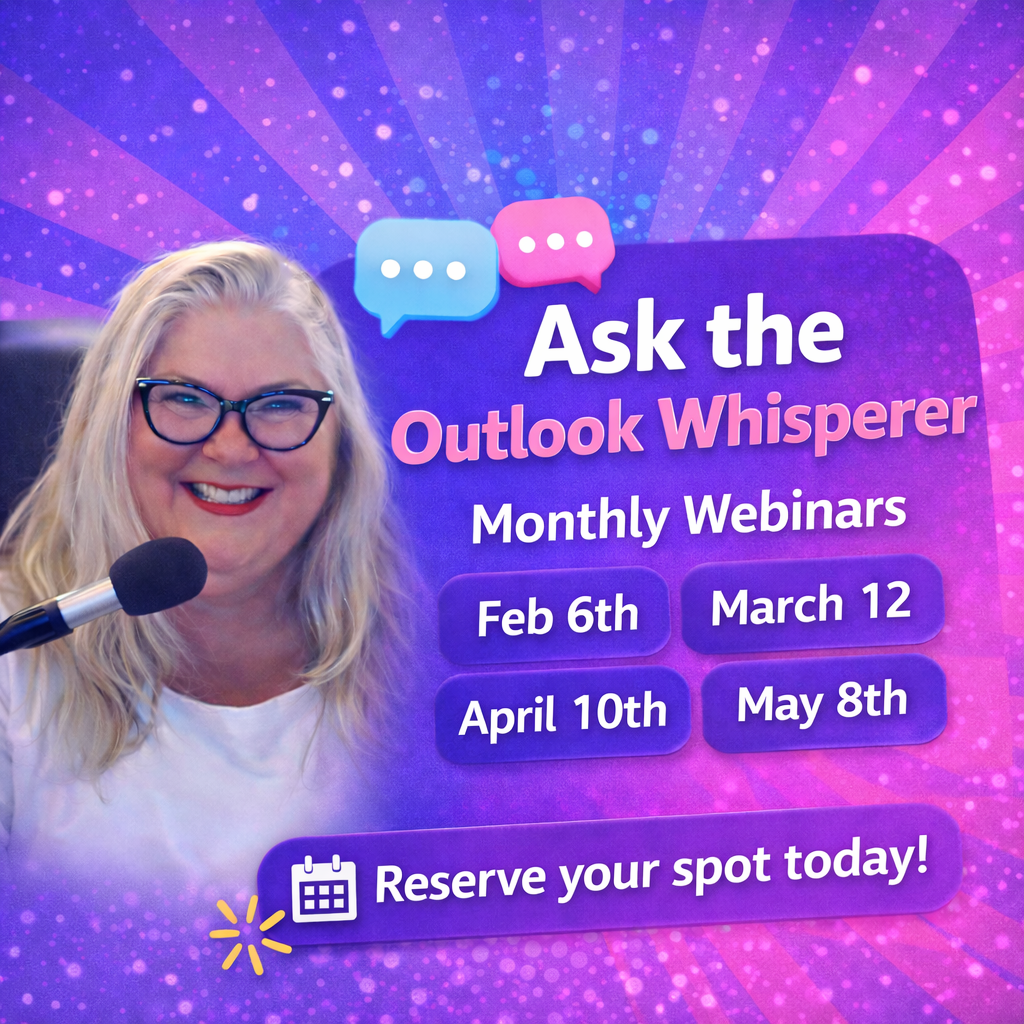
Lisa Hendrickson is the owner of Call That Girl. She is an Outlook Expert and Microsoft 365 Consultant.

rss feed

Author's Website

Outlook Keeps Asking For Password Gmail

| June 2, 2022

Outlook Keeps Asking For Password Gmail

Source Google: https://support.google.com/accounts/answer/6010255?authuser=1&hl=en&authuser=1&visit_id=637897917243113422-3306270379&p=less-secure-apps&rd=1

  • To help keep your account secure, from May 30, 2022, ​​Google no longer supports the use of third-party apps or devices which ask you to sign in to your Google Account using only your username and password.

If you are getting a password prompt with an error, Google changed their security for Outlook and required 2 step authentication. The old trick of turning on less apps is gone, now you need to do a few things.

FIX:

1.) Setup 2 step authentication with the account. Most folks want text but you can use the Google app or YouTube app from your phone.

2.) Then once done, you can click here and assign an Outlook app password https://security.google.com/settings/security/apppasswords

If you have any other issues and need my help, you can schedule time on my calendar below.


Outlook Training For Experienced Users

| May 5, 2022

Outlook Training For Experienced Users

If your company is looking for some Outlook training, I offer a customized 1-hour training session that skips over all the basics and gets to the good stuff. I also don’t go slow and keep a fast-paced hour. As these sessions are recorded, your team can watch again later if they want to review. Before we schedule the training, I always ask the team lead to ask all the staff what they want to learn in the session, and I incorporate the questions into the 5 topics below. Since I’m a technician and trainer, you get the added benefit of having me available after the training to help with individuals who need tech support.

Review below and fill out the form if you want to schedule a no-cost consult.

  • 1-hour of Outlook training
  • Trained workshop style, watch on one monitor, follow along using your own Outlook on the other monitor
  • Recorded so you can view again at another time
  • Lisa Hendrickson is our trainer, she reviewed all your survey questions and incorporated them into the session
  • There will be time at the end for any last questions

5 topics

  1. 15 features you might not know, but you’ll definitely use after this workshop (efficiency tips, views and settings, etc.)
  2. Email management tips for the two types of email users, which one are you? (Organizing tips, rules, downloading)
    1. Folder people, you file every email into many folders
    2. Inbox people, you keep every email in your inbox
  3. Start and end of your email day tips
  4. Archiving and troubleshooting tips
  5. Questions/answer

To get started, fill out this form and I’ll email you to schedule a consult to discuss customizing and a soft quote.


Outlook and Phone Synchronizing Process

| April 22, 2022

If you’re interested in hiring me to assist reconfiguring your Outlook to sync with your phone (iPhone or Android), here is a list of the work I need to do to complete the request and how the process works.

Please know upfront that this is not a simple request, it will be a minimum of 2 hours and could (and most likely) will be over 2 hours if you have a lot of iCloud, email and contacts, calendars in different platforms.

These requests are not typically done in one session, expect a few sessions each under an hour and a follow up appointment at the end. This is a one time “surgery” so you should not need to do it again unless you want to move to another Exchange account. My follow up appt includes testing and any questions you have. I also keep detailed notes so the next time you call, I will know everything from this session. All the backups I create will be saved your documents folder.

Please have all of your account passwords ready before we start.  If you can use a different phone when we configure the phones it’s best.

I provide best effort for iCloud. I do my best to extract all the data out of iCloud and merge with your other contacts and calendars, some times I cannot get the data and we figure out another solution.

You will be 100% involved with this request as it’s your data, Outlook and phone. I do all the work, you can relax. The more questions you ask, the longer the work will take to complete.

I offer 2 types of data migrations and for one person or small businesses I may do the work myself. For larger teams, I refer the work to my vendor, and I do the prep work.

  • For home users, we use a free Exchange server
  • For business users, we use a 365 Business Exchange server

The Process

  • I will do my onboarding, let you know of any potential issues
  • Backup the data we will be migrating to your new Exchange server
  • Reconfigure Outlook
  • Then setup new Exchange, add other email accounts
  • Import data
  • Let synchronize
  • Clean up folders, extra data
  • Setup phone
  • Fine tune
  • Follow up and aftercare


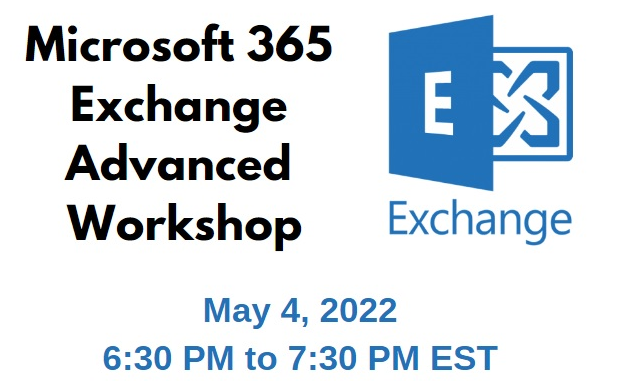
Microsoft 365 Advanced Exchange Workshop May 4, 2022 6:30 PM EST

| April 21, 2022

This 1-hour workshop will  cover how to navigate the Exchange admin center and create advanced tasks. It will be recorded and you can send in questions before the workshop so your questions can be answered in the Q&A portion of the workshop. You can also ask them during the workshop.

This workshop will be $50 per attendee

We will cover:

  • Introduction to that Microsoft 365 Exchange Admin portal
  • Overview of the Exchange Admin portal
  • How to manage mailboxes, groups, resources and contacts
  • How to trace email messages
  • How to set up rules to manage mail flow
  • How to prevent valid emails from going to your junk folder and go to inbox
  • How to put a banner on all external emails (phishing prevention)
  • How to set up alerts
  • How to check and manage quarantined emails
  • How to conditional forward emails
  • How to manage mailbox delegation/new hire/terminations
  • Question/Answer

Register by filling out the short form, then you will be directed to the payment page

I will send you an email letting you know that you are registered

The morning of the meeting, I will email the meeting link

Introduction into Microsoft 365 Administration

| April 14, 2022

Hi Folks! I’m hosting a series of workshops to learn more about the components of 365. Below is a free workshop on my YouTube channel to learn the basics. If you’re interested in learning more, we will have advanced workshops coming up for Exchange, Azure, InTune, etc.

Please sign up for my newsletter to get the announcements. https://callthatgirl.biz/keep-up-with-call-that-girl

What is covered in this workshop

  • Basic Intro to Office 365
  • Personal vs Business, how to determine if you have both accounts and the differences
  • How to log into your 365 Admin portal
  • Overview of the various components (SharePoint, Exchange, Teams One Drive, bookings and etc.)
  • A tour of the admin portal
  • How to add mailboxes/add/modify a user/delete accounts
  • How to add/modify a group/shared mailbox
  • Overview of admin roles and permissions
  • How to reset passwords
  • Add/remove licenses
  • Verify the correct amount of licenses needed
  • How to get support from Microsoft or your vendor
  • How to setup company branding (Your logo shows up on the login page)