Outlook Error Something went wrong [1001]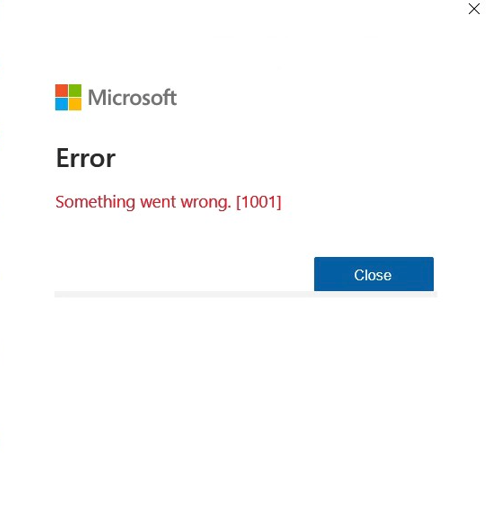
I solved this problem by removing accounts in Windows.
Go to search
Type “Accounts”
In that window click on Work or School accounts
In that area, you might see many Windows accounts logged in with your emails in Outlook. This happens when you add a new account in Outlook and agree to sign in. (Next time you add an account in Outlook click the option at the lower left, “Sign into only this app”).
Click on the “disconnect” button
It will take a minute to disconnect, then it should be gone. Take note that when you launch Outlook again, you will need to log in again with the account password.
If you cannot remove the account, then that email is connected in the Windows account as the default and this will be a bit more difficult to repair.
If you need help with this error, please contact me using the form below.

